I wanted a game that felt like building cairns on a beach: calm and a little bit creative. Most stacking and climbing games I found were either hyper-arcade or visually busy, and they pushed scores, timers, or ads instead of the quiet satisfaction of balancing stones.
Pebbled started as an experiment in capturing that feeling. The goal was to make a relaxing, creativity-first experience where players can arrange stones however they like, with no time pressure and very little UI in the way.
As a solo developer working around a school schedule, I also had to be realistic about scope. I needed a design that I could prototype quickly, then refine through playtesting, while still having room to explore some deeper technical ideas like a “rock factory” for generating convincing stones.
What I did
Defined the product vision and constraints for a calm, creativity-first rock stacking game inspired by real-world cairns.
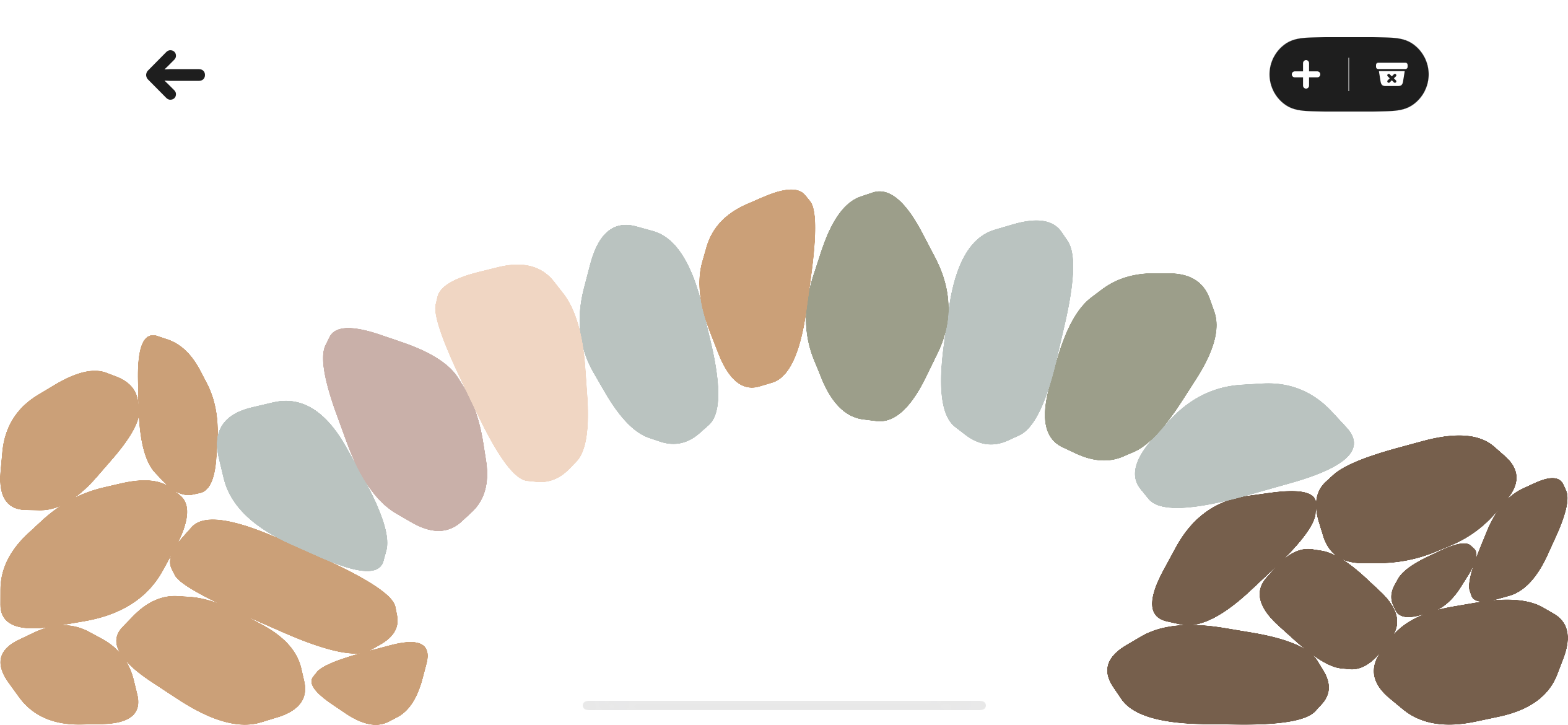
Designed and implemented a “rock factory” that generates convex, random stone shapes so each pebble feels unique but still stackable.
Built the core interaction model in SpriteKit: drag-and-drop stacking, jitter-free collisions, and pan/zoom controls to move around the scene.
Implemented tilt-based gravity and subtle physics tuning so stacks feel responsive without being frustrating on a small touch screen.
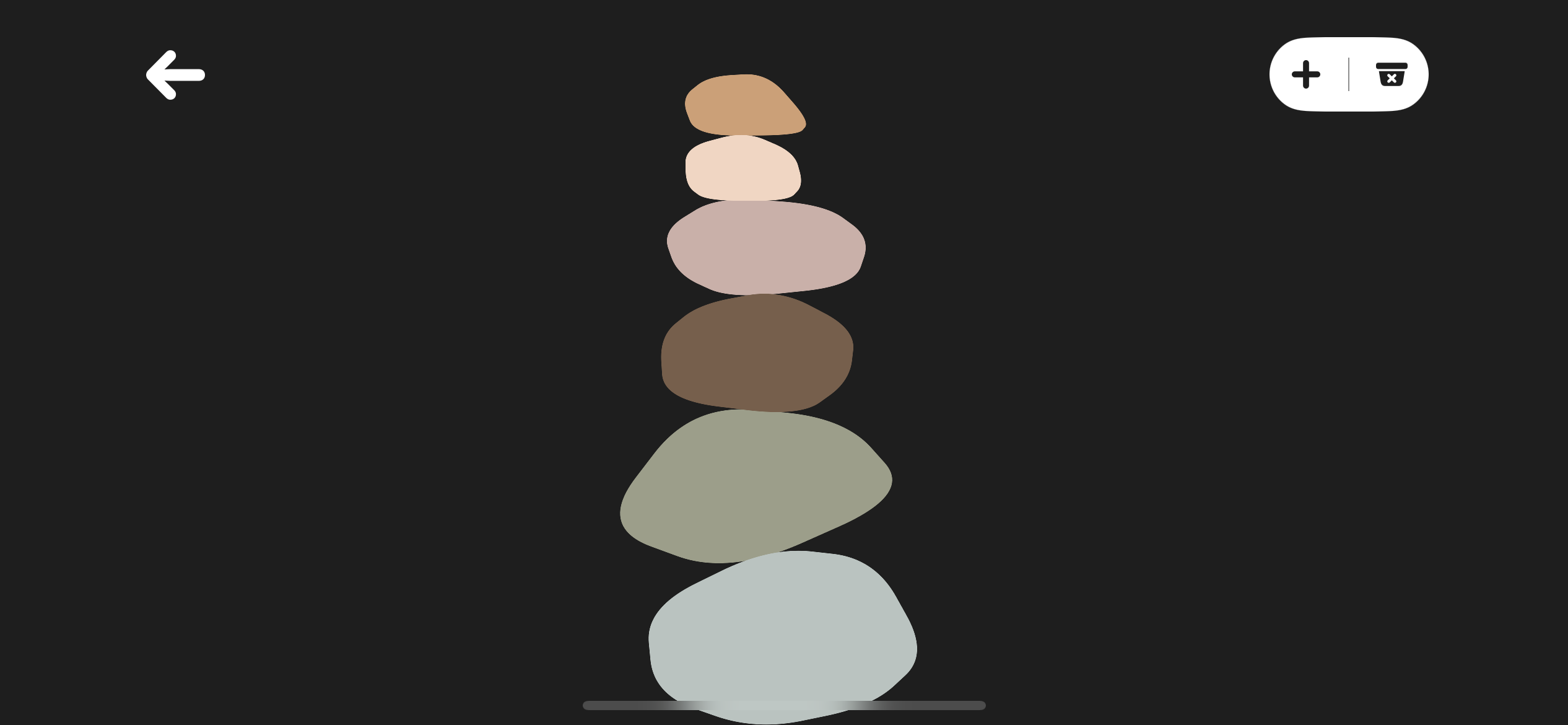
Implemented a tilt-to-tumble system driven by the device gyroscope, so the gravity in the game follows the tilt of the iPhone or iPad. Small bumps can send stacks tumbling, but careful tilts let players build more creative structures along the edges and corners of the screen.
Designed and implemented the UI in a mix of SpriteKit and UIKit, including relaxing menu flows, overlays, a tutorial system, and an ambient sound engine for ambient ocean audio and rock-tap sounds.
Ran playtests with friends, family, and non-technical users, then iterated on drag behaviour, camera controls, and menu clarity based on how they naturally tried to interact.
Process
Research & Insights
My initial “research” was very hands-on: I built a rough prototype, then watched how friends and family tried to interact with it. I paid attention to where they hesitated, what they tried to tap first, and when they smiled or got annoyed.
I also looked at other calm games like Mini Motorways and studied how they handled menus, pacing, and visual noise. The big takeaway was that the interface needed to be almost invisible and clear enough that people know what to do.
From these early tests, I learned that people treated Pebbled less like a traditional game and more like a tiny art toy. That insight drove a lot of decisions: no timers, no visible score by default, and a focus on the feel of the rocks and the camera.
Concept & UX
I started with a simple concept: a single main screen where you can add stones, move them, and enjoy the stack you create. Everything else—settings, tutorials, and extras—had to support that core loop without getting in the way.
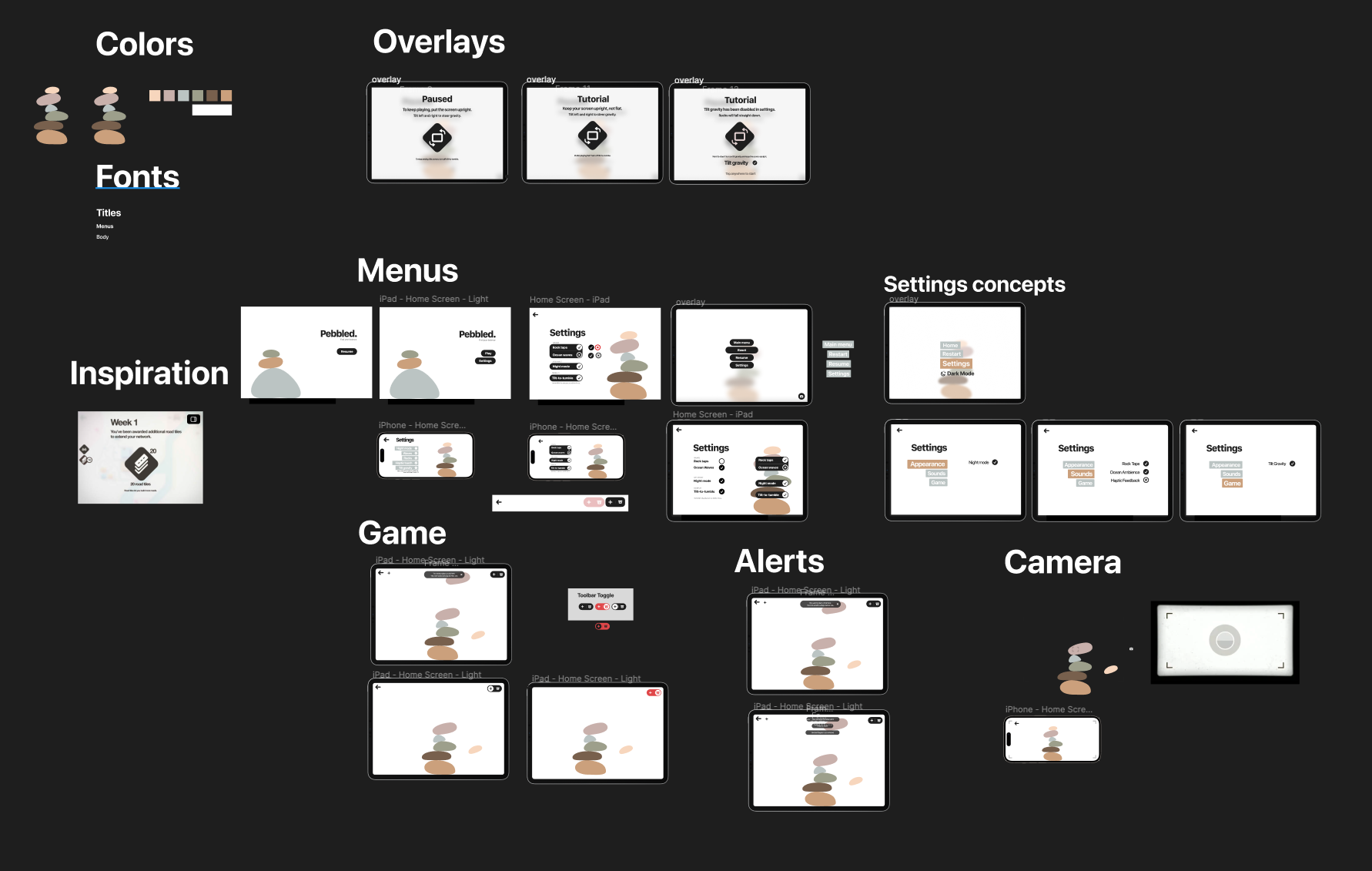
In Figma, I explored different layouts for the main scene, overlays, and settings menus. I was heavily inspired by Mini Motorways' use of white space and soft motion, and I wanted Pebbled's menus to feel similarly gentle and unobtrusive.
The final UX keeps the path into play very short: you open the app, tap once, and you're already stacking stones. Settings and other options live in lightweight overlays so they feel connected to the game world rather than bolted on top.
Figma board I used to plan colors, overlays, menus, game screens, and other UI components
Prototyping & Iteration
The first playable builds revealed a lot about how people actually used the game. Some tried to flick stones, some dragged them from the edges, and almost everyone tried to pinch and pan around the scene—even before I made that explicit.
Based on this, I rewrote the drag mechanics so stones feel stable under your finger. To avoid jittery collisions while dragging through the stack, I drop control of the rock as soon as it meaningfully contacts another stone and let the physics engine take over.
I applied the same iterative process to the camera and menus. I watched how easily people could zoom in to adjust a tiny stone, how often they got “lost” in the canvas, and whether the settings and tutorial screens made sense at a glance. Each round of feedback led to small, focused tweaks rather than big redesigns.
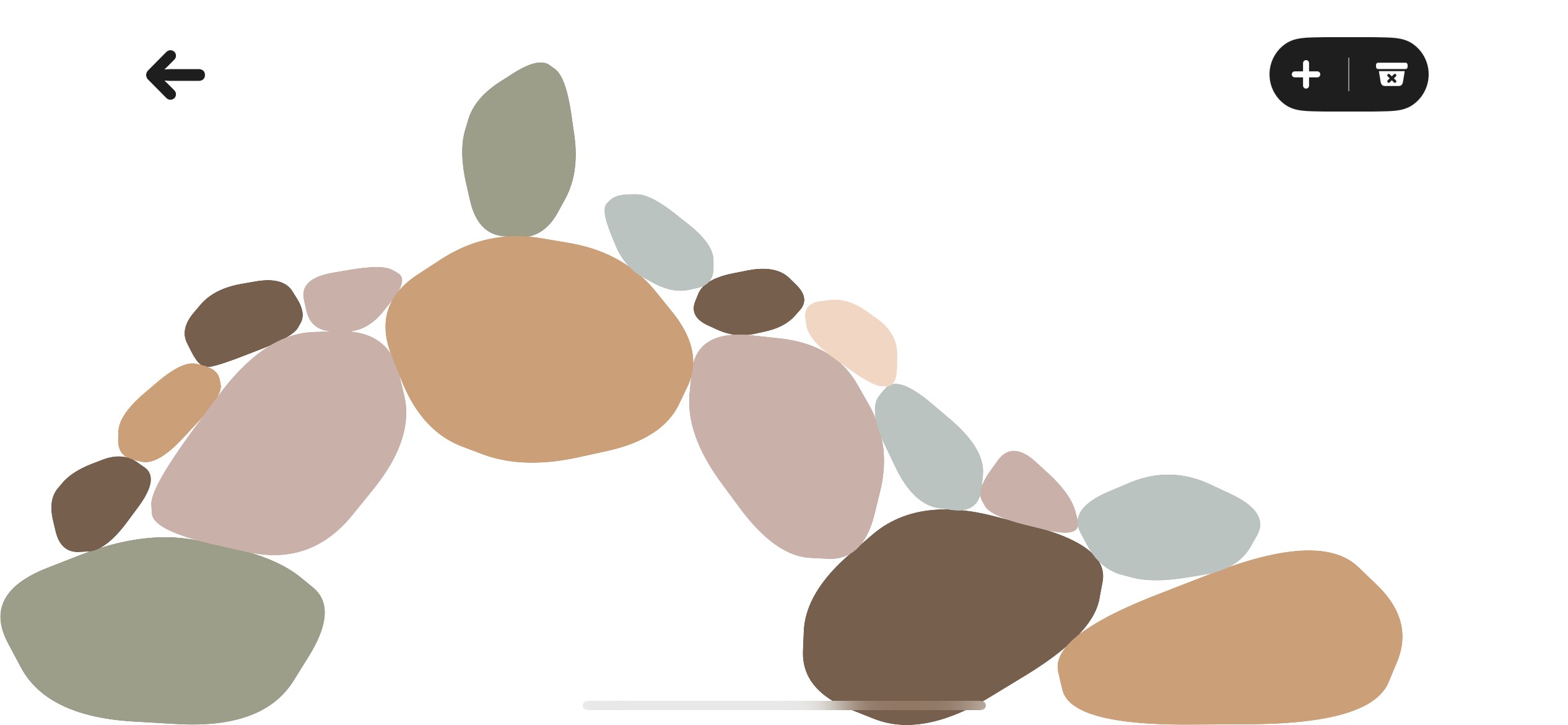
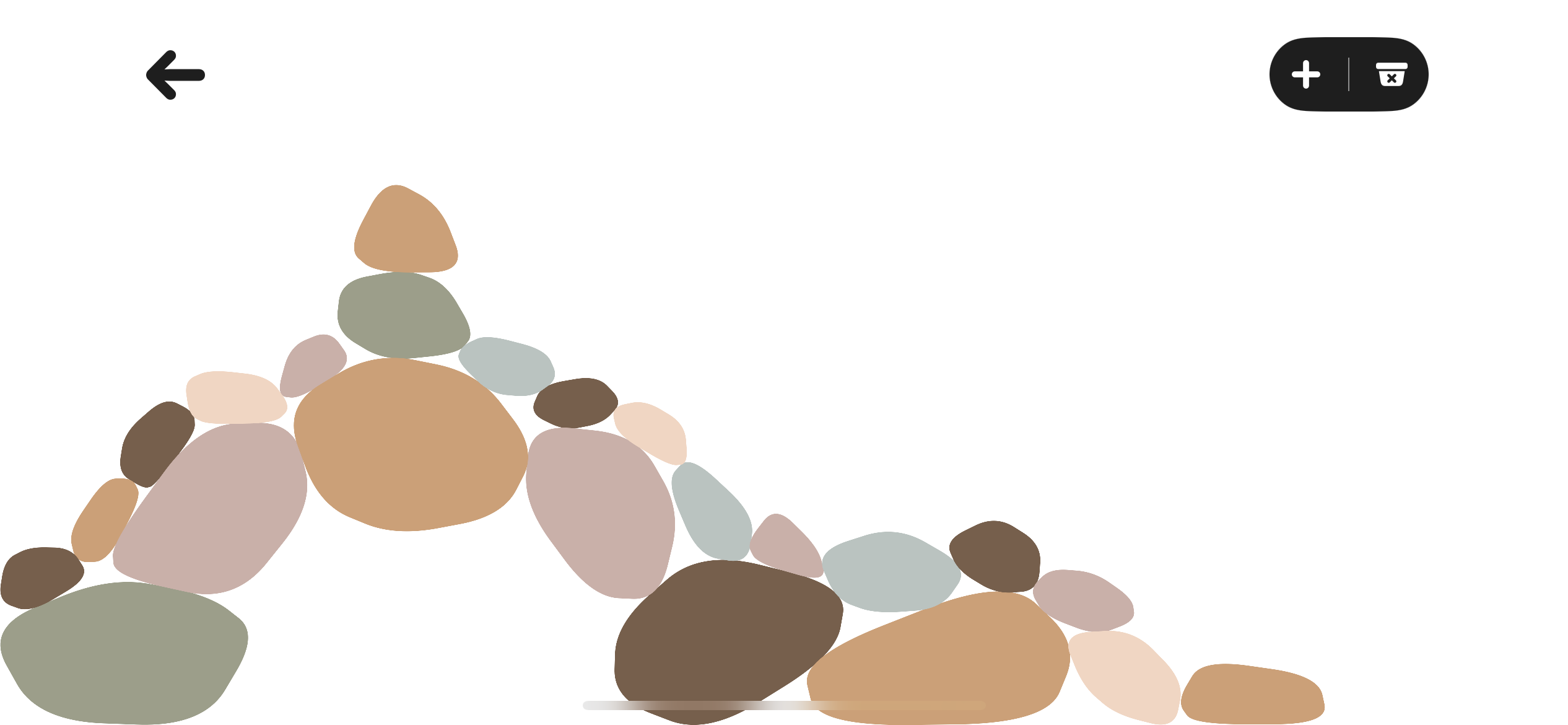
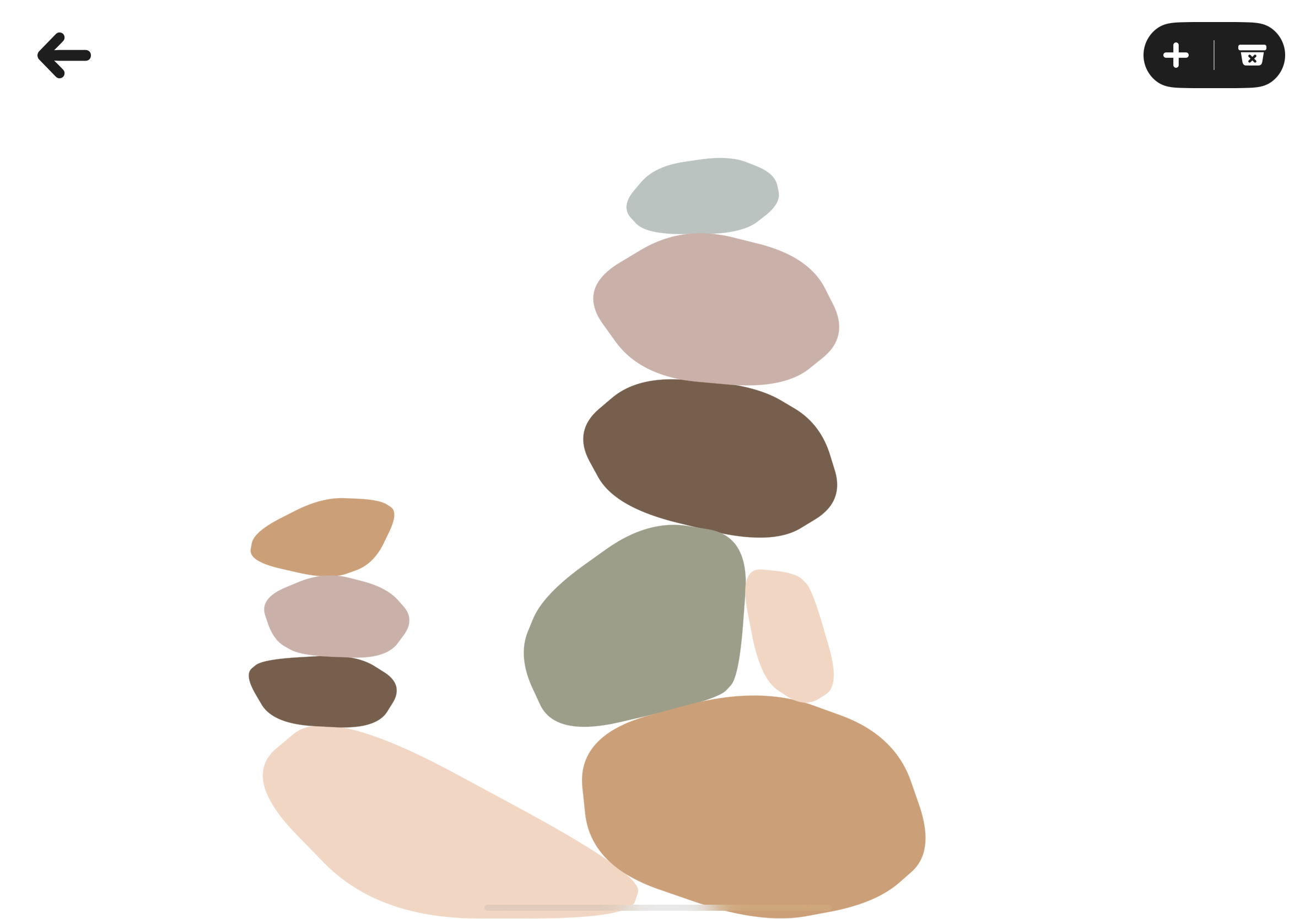
Early prototype of adding rocks. The rock collision system was triggering even when a rock was not colliding, which I had to fix.
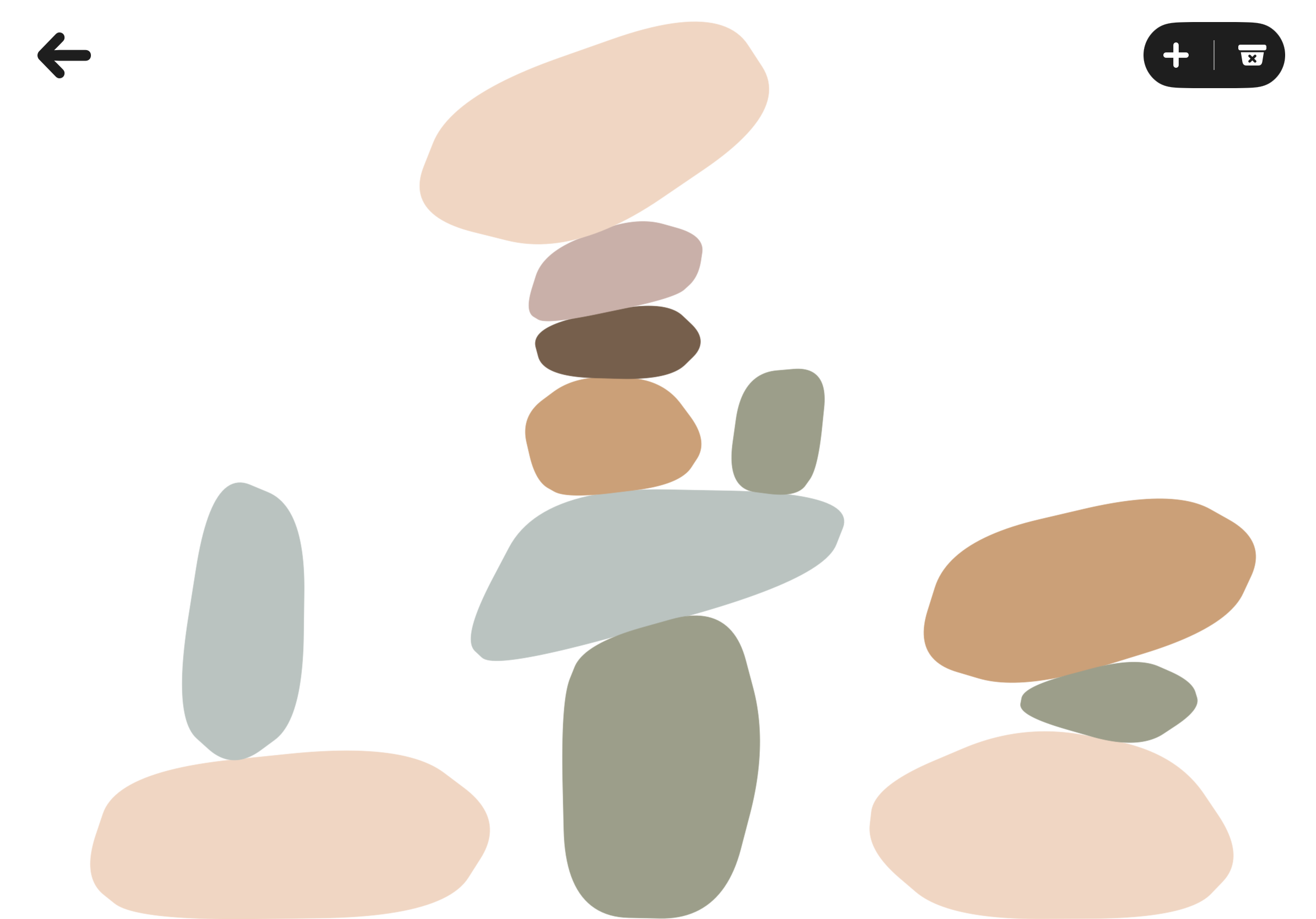
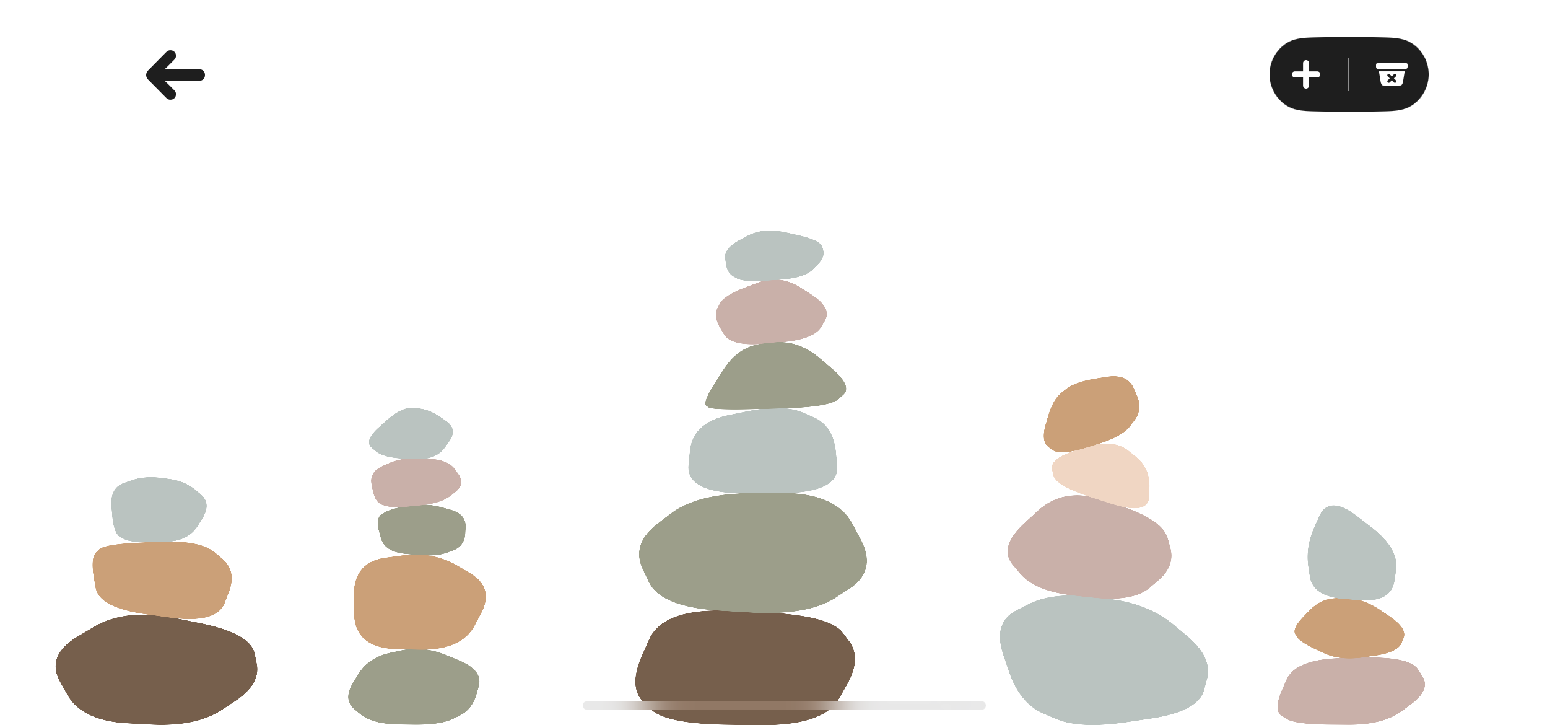
Refined the add-remove feature and UI allowed users to create incredible sculptures with less friction.
Technical Approach
Under the hood, Pebbled is built with Swift and SpriteKit. Each rock is generated by a small “rock factory” that samples points, forms a convex outline, and smooths it into a pebble silhouette. Random seeds control the exact shapes so stones feel unique while still stacking reliably.
Rocks use SpriteKit physics bodies with carefully tuned friction and restitution to make stacks feel stable but not rigid. The tilt-to-tumble mechanic is driven by the device gyroscope: I continuously read motion data and rotate the gravity vector in the physics world to match the tilt of the device.
To support the “ocean-side” vibe, I built a sound engine that layers a cinematic wave crash on launch into a seamless looping ambient track. Volumes and fades are tuned so the initial crash feels like an entrance, then gently blends into a softer background that never overpowers the subtle rock-tap effects during play.
The rest of the app is a mix of SpriteKit and UIKit. I experimented with where to draw the boundary between them—SpriteKit is great for physics-based menu and overlay animations, while UIKit simplifies view transitions and system integration. That tradeoff forced me to think carefully about architecture and how to keep the game feel cohesive even when different parts of the UI are powered by different frameworks.
Outcomes & Impact
Pebbled confirmed that I really enjoy product development work, not just the technical side. I found myself happily spending hours fine-tuning interaction details and UI flows, especially when I had a clear idea of what “good” should feel like for players.
The project also changed how I approach planning and execution. The most successful part of Pebbled (the core stacking mechanics) came from setting strong constraints up front: simple controls, calm pacing, and a specific visual style. That clarity helped me finish the main loop in just a few days and freed up time for iteration.
I took those lessons into my work at MusicSketch, where I started using user and bug stories in Shortcut to make criteria explicit, keep the team focused, and prioritize triage. The same mindset I used to make Pebbled intuitive for non-technical players carries over into how I design and implement features in collaborative projects.
Pebbled is currently in private TestFlight with a small group of climbers who use it as a low-stress way to decompress between homework and training.
Playtesters reported that they preferred the calmer, single-mode design over earlier versions that included multiple timers and score multipliers.
The project demonstrates my ability to take an idea from sketch to a polished, shippable app while balancing scope, user feedback, and technical constraints.
Reflection & Next Steps
Looking back, one of my biggest mistakes was spending too much time polishing peripheral features without a clear plan. I redesigned the settings menus several times and kept bouncing between SpriteKit and UIKit implementations because I hadn't decided what transitions and animations I actually needed.
In contrast, the gameplay development went smoothly because I started with very explicit constraints: no timers, no complex scoring, and a specific “feel” for how rocks should move and settle. That experience taught me that peripheral features need the same level of intentional scoping as core mechanics.
If I continue Pebbled, I want to apply that lesson more rigorously. I'd like to add the ability to save and share favorite stacks in the app, and expose more of the “rock factory” settings in a controlled way. But I would design those features on paper first, then implement them once the constraints are clear instead of discovering them mid-build.